How to connect Ziflow to Asset Bank

Stop relying on email attachments and hard copy print-outs to review and produce creative content. Use our Ziflow integration to transform your content creation and approval process.
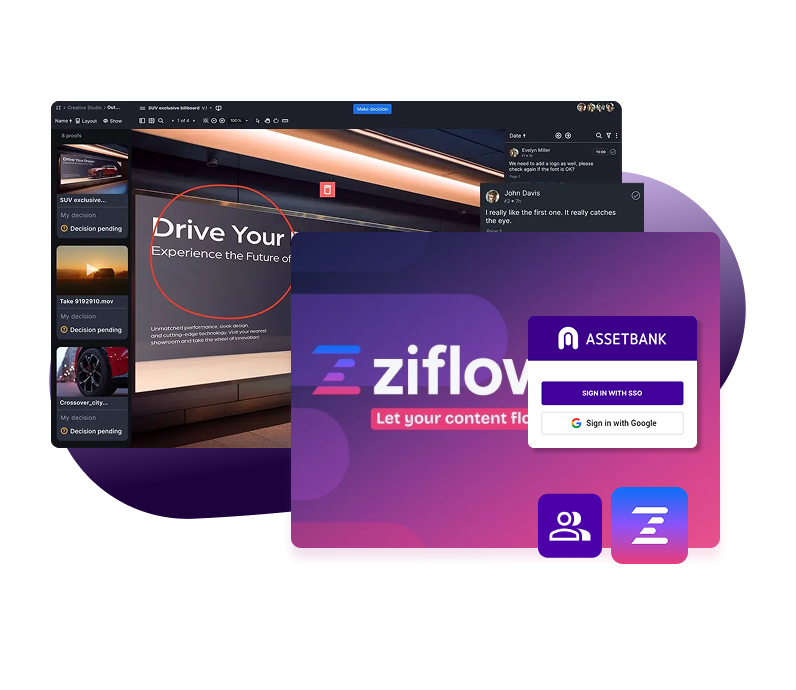
Ziflow_Workspace-Hero

Watch the Ziflow and Asset Bank integration

Ziflow is online proofing software for agencies and brands. It has all the features you need to manage your content review and approval process, so that you can deliver your marketing projects faster and reduce the possibility of costly mistakes. Features include collaboration, annotations, version comparisons and configurable workflows to truly streamline your creative process.

How does the integration work with Asset Bank?

Once you have created your new content piece using Ziflow, the final approved version is automatically transferred into your Asset Bank, saving you valuable time.
 
Every time you upload a final approved version, a link back to the audit trail (which is recorded in Ziflow) is added to the asset detail page in Asset Bank.
 
You can easily review an audit trail of the file, once it's been uploaded to Asset Bank. So, if you ever need to trace what changes were agreed and by whom in the content creation process, you can simply click a link in Asset Bank to access this detail held within Ziflow.
 
Check out this brief demo video to get a flavour of how the integration works:
What are the benefits of connecting Ziflow to Asset Bank?

What are the benefits of connecting Ziflow to Asset Bank?

Streamline your review and approval process by connecting Ziflow to Asset Bank, so only approved assets are stored, shared, and reused. Faster approvals, stronger control, and no more version confusion.

Connector features include:

  • Automated asset handoff – Approved files in Ziflow can be sent directly to Asset Bank, removing manual uploads and reducing admin time

  • Version control you can trust – Only the latest, approved versions are stored in Asset Bank, eliminating outdated or incorrect asset use

  • Centralised asset storage – Keep all final, approved content in one secure, searchable location for easy access and reuse

  • Improved compliance and governance – Ensure only approved assets with the correct permissions, usage rights, and consent are distributed

  • Seamless workflow integration – Connect creative review and DAM workflows to reduce bottlenecks and speed up time to market
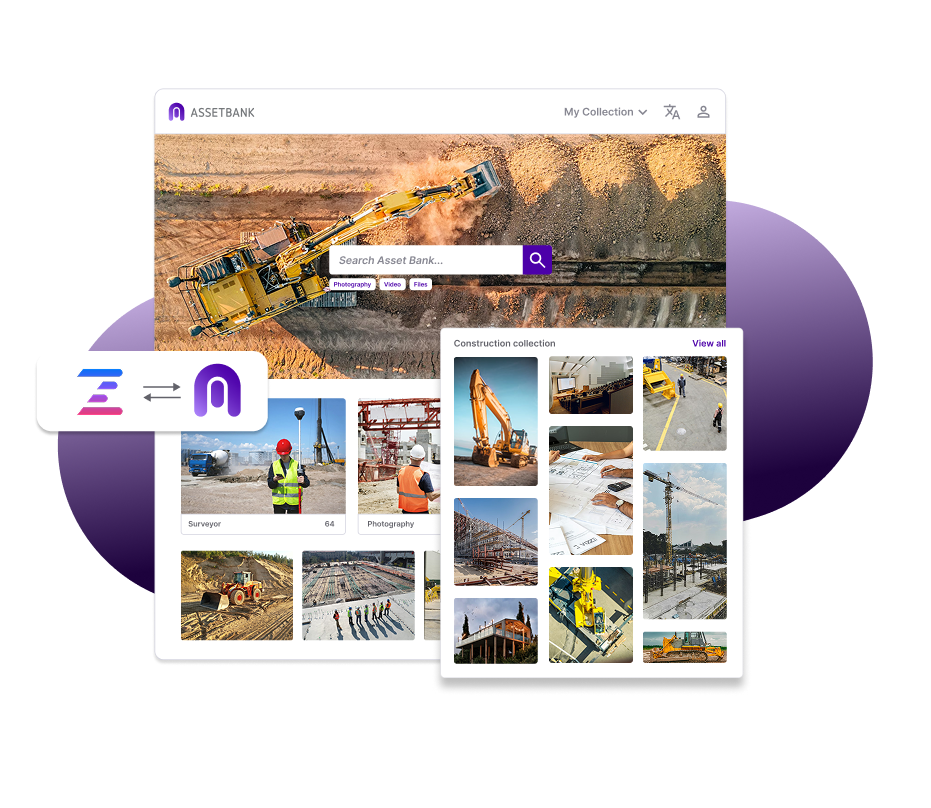
  • Better collaboration across teams – Creative, marketing, and compliance teams stay aligned with a clear approval and distribution process
Ziflow-AB-Tab1-1
How to access the Ziflow CI HUB connector for Asset Bank

How to access the Ziflow CI HUB connector for Asset Bank

Getting set up with the CI HUB connector couldn't be easier.

First, contact your Asset Bank customer success manager or get in contact with our support team to get your Asset Bank ready.

Then, in Ziflow, click on the 'Apps' icon in the left hand menu. You should then be able to search for 'CI HUB', and install the plugin. 

Don't have an Asset Bank? It's really easy to sign up to a free demo.

Contact us and we'll walk you through the Ziflow integration and discuss how Asset Bank can meet your needs.

So, what are you waiting for? 
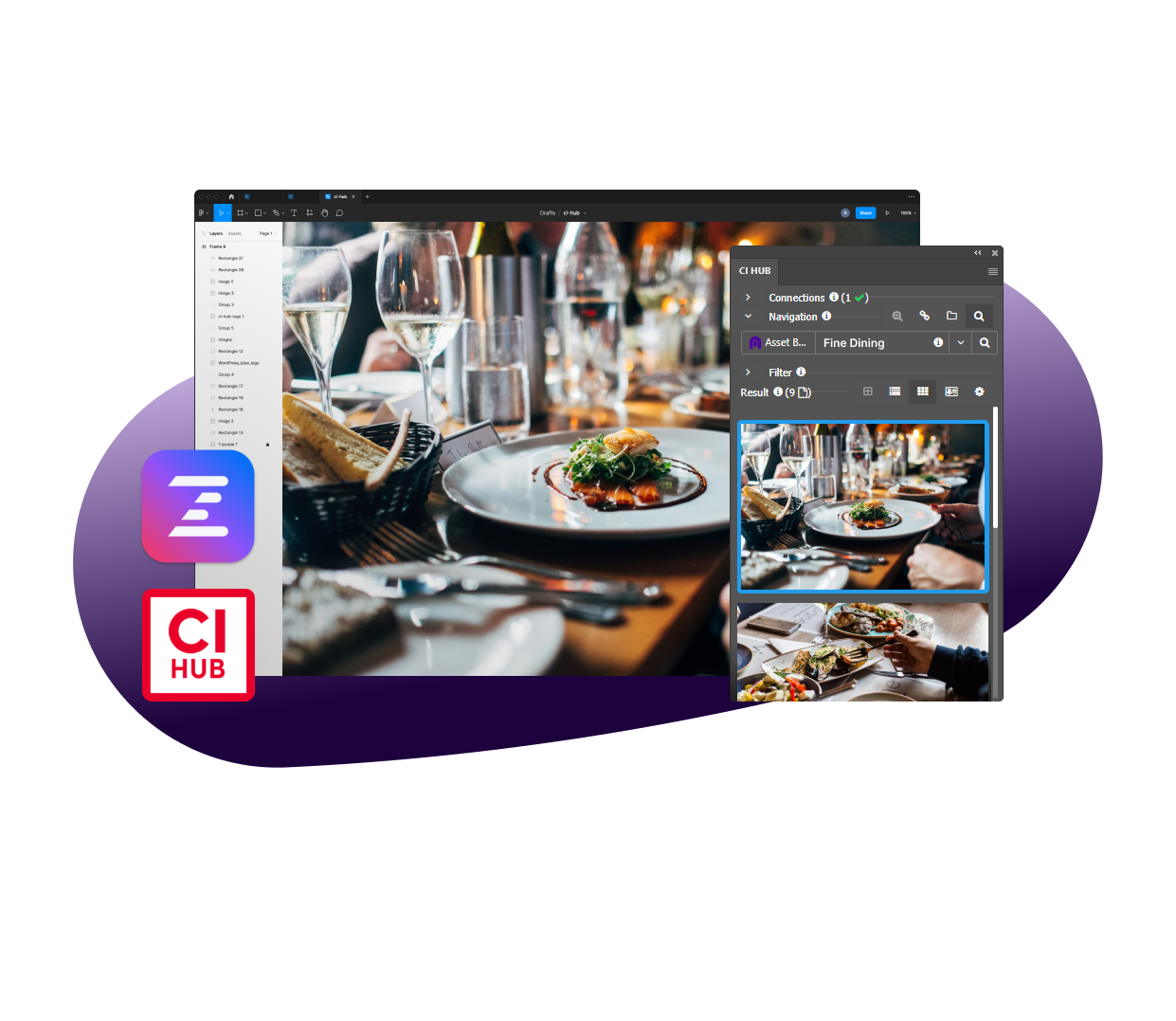
Ziflow-AB-Tab2-1

CI HUB connector – client testimonial

"Asset Bank gave us structure; CI HUB gave us flow."

Ben Pien from catering company, Elior, in North America, says Asset Bank, integrated with Adobe, was "a total game changer."

"The creative flow wasn't being interrupted anymore. We weren't manually managing files, and the assets stayed linked, reducing version confusion even further. And it made for file sharing across teams more seamless by eliminating file packaging."

"In short, CI HUB gave our team momentum."

Integrations

Like what you've seen so far? Check out the rest of our integrations

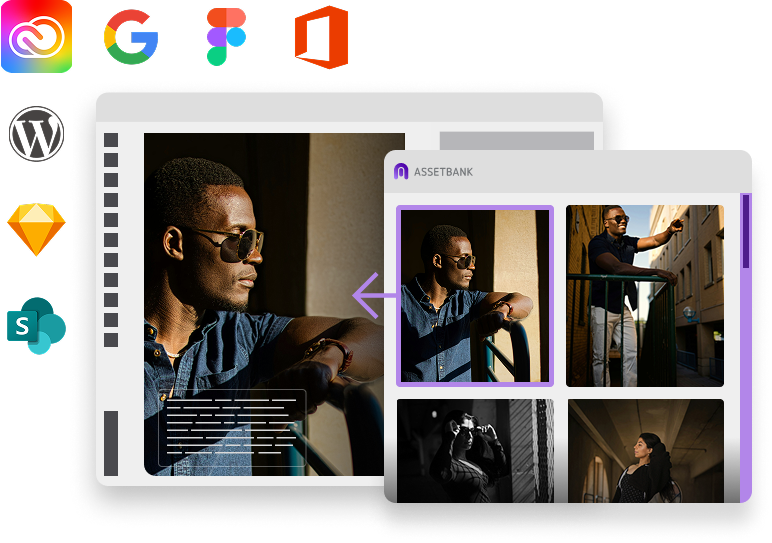
Ditch the downloads and access your assets directly from the tools you're working in, meaning no lost data, no duplicate file versions, and no lost time. (Your team will thank you!)

We can't wait to show you Asset Bank in action!

cta-img