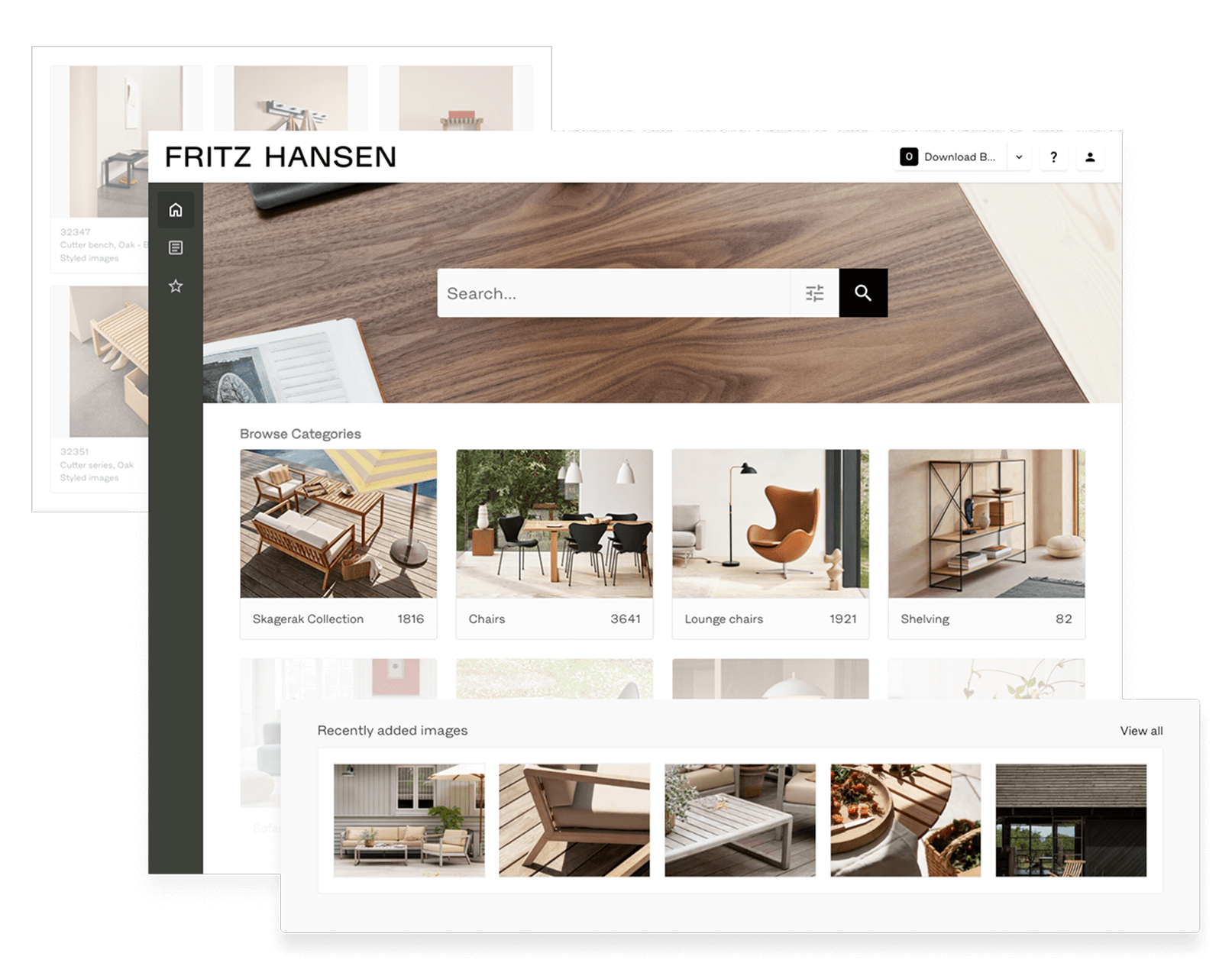
Manage and protect your digital assets
Transform the way you organise and manage your files – and let AI handle the heavy lifting. Asset Bank makes life easier for marketing, staff and partner users, while elevating your brand.
Find your digital assets in seconds with Asset Bank. Click through the tour below to see us in action.
Just think of a digital file type and you can store it - including images, artwork, video, audio and documents - we've got you covered.
Upload files in bulk, add shared metadata, and let AI auto generate tags and image descriptions for you to simply review and set live.
Have duplicate files spotted when you upload, to ensure you maintain a single source of truth.
Send links to external partners (e.g. photographers) allowing them to send files to your DAM, without the need to login.
Your DAM system is an extension of your brand, (hence it's sometimes referred to as 'brand asset management software'), and can be customised to align with your organisation’s identity. From logos, colour schemes and fonts, ensure your DAM platform is a best of brand experience for every user. An on-brand DAM system creates a professional, familiar environment that enhances user engagement and adoption.
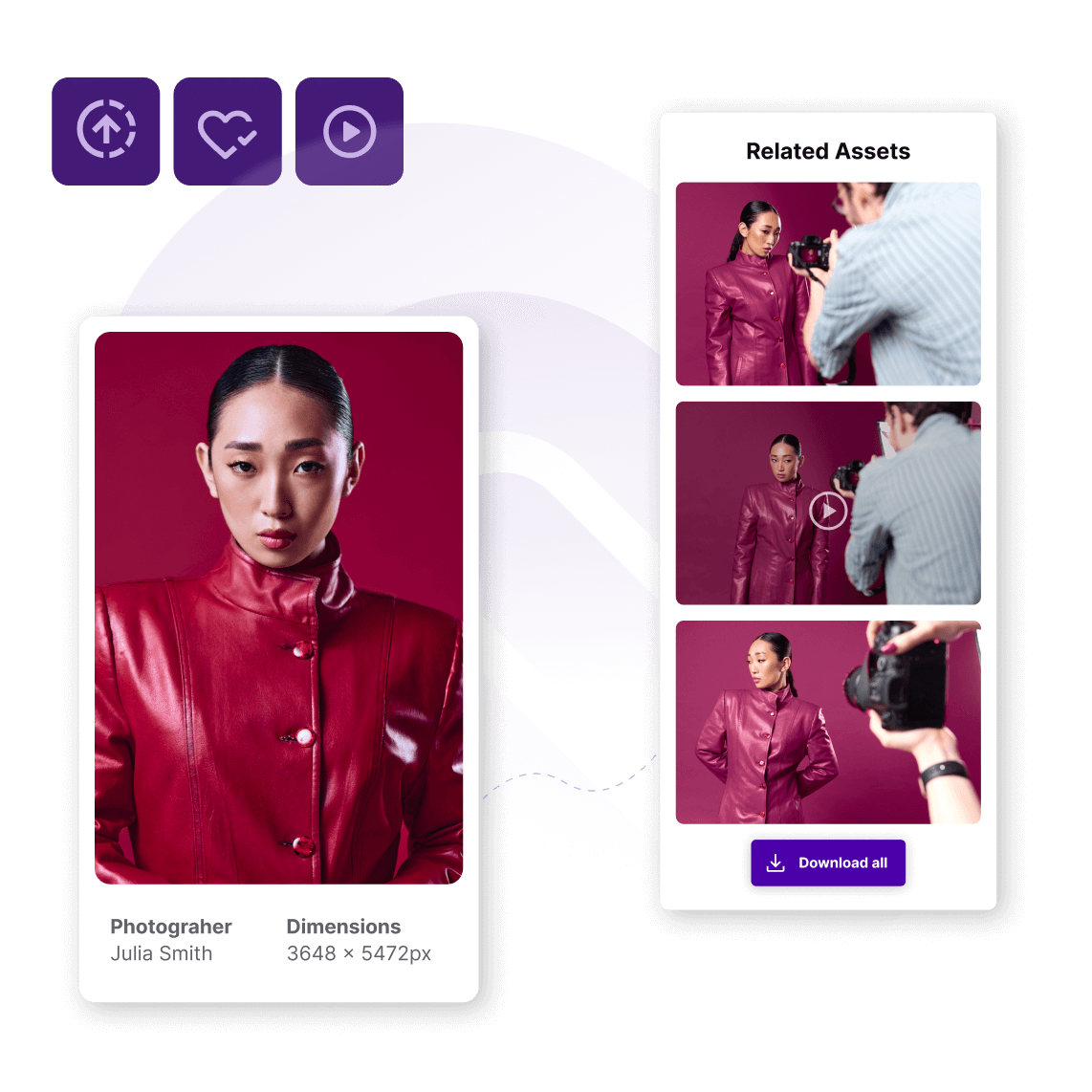
We've already built in default metadata like title, description and keywords for your files, but it needn't stop there. You can add additional fields that matter to you (e.g., photographer, credit, department, location, etc.)
Got news to shout about? Add it to your DAM system's homepage! Highlight key images, add welcome text, set up search shortcuts, and showcase featured collections, making it simple for users to find your best content. Update these anytime to promote fresh releases and keep everyone in the loop!
Get the right content in front of the right people. Create multiple user groups and decide what they can see and do, including view, download, and upload permission.
Allowing you to add in extra approval steps for upload, download or edits, for different user groups. Asset Bank's approval workflow feature gives you more control.
Control when assets become visible or expire. AI-assisted reminders help you stay compliant.
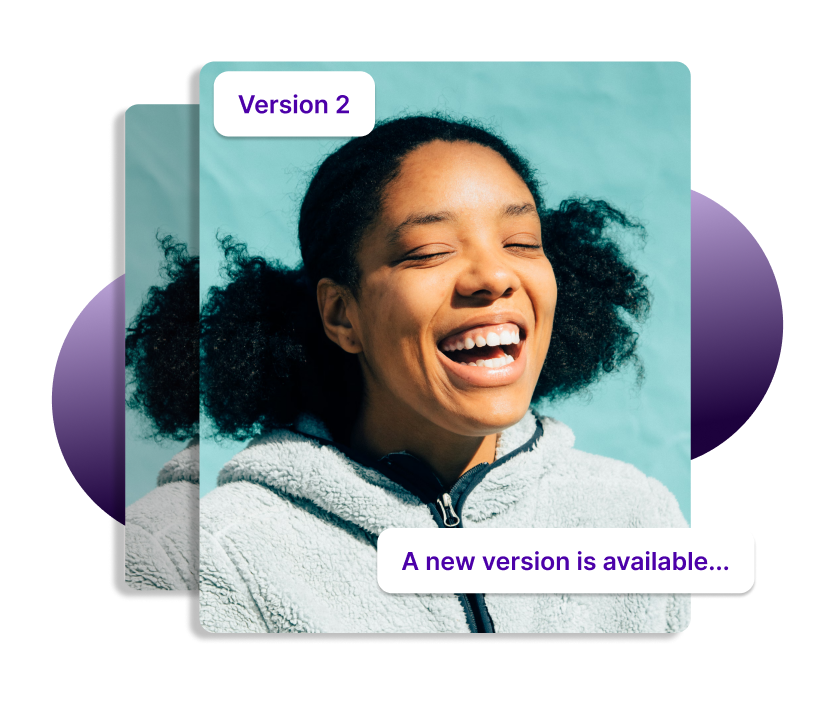
When a new version of an asset is uploaded to replace an old one, Asset Bank will notify users who recently downloaded the now out of date asset, ensuring they only use the latest content.
If your business has global or regional teams then you can create a separate part of the site that each can manage. Letting them look after their own assets and users.
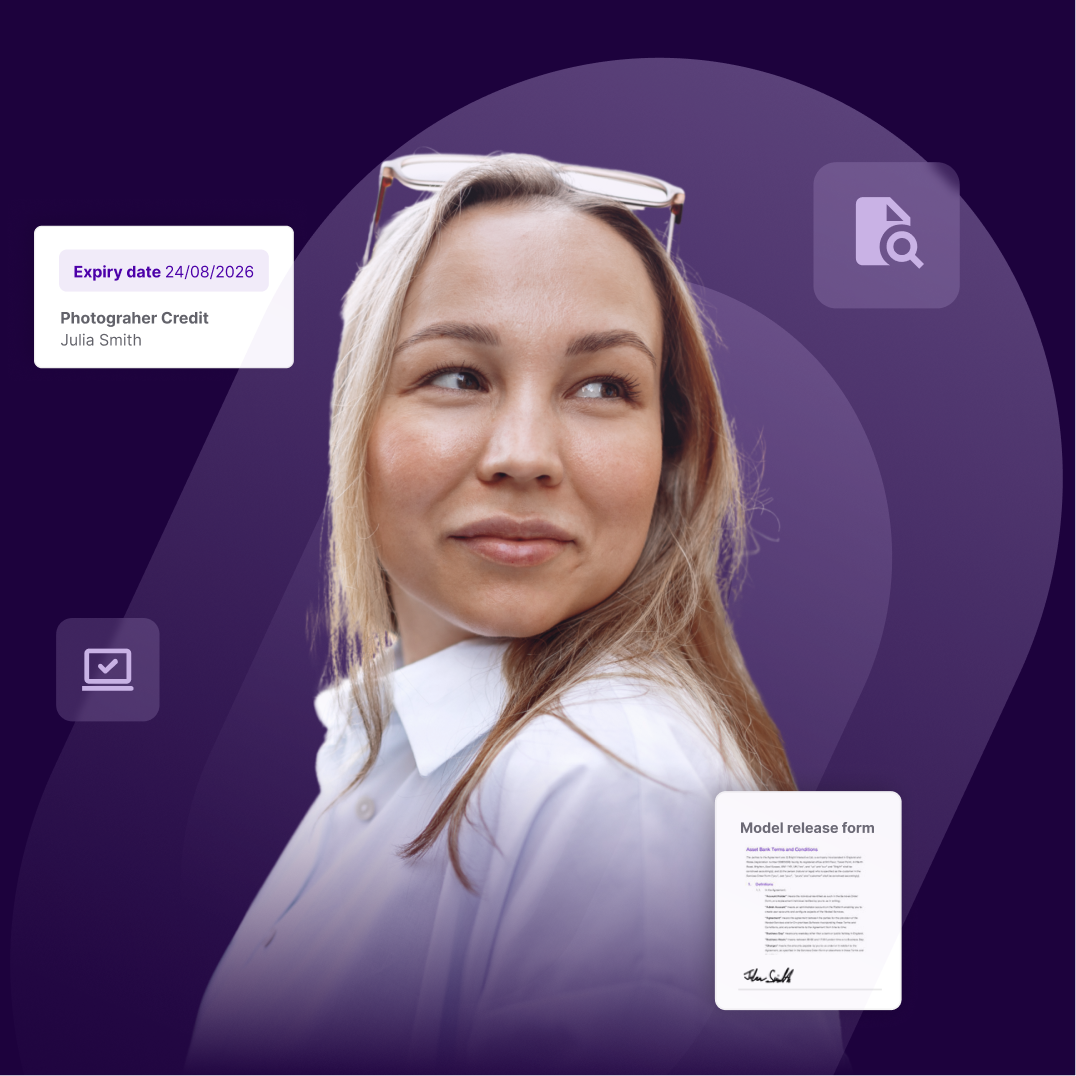
If you worry about consent forms, it's time to stop - we've got you covered. Simply link consent forms to photographs of people within Asset Bank, set expiry dates and create alerts to remind you to review.
Wherever your digital assets originate from, stock imagery or photo shoot, there'll be some kind of ownership or licence to consider. You can easily keep track and communicate any licence information or restrictions to your users.
Really get to grips with how your DAM is being used, who is engaging with it and if there are any areas that need improvement. View user and group engagement on the admin dashboard, seeing what search terms people are using and which assets are most popular.
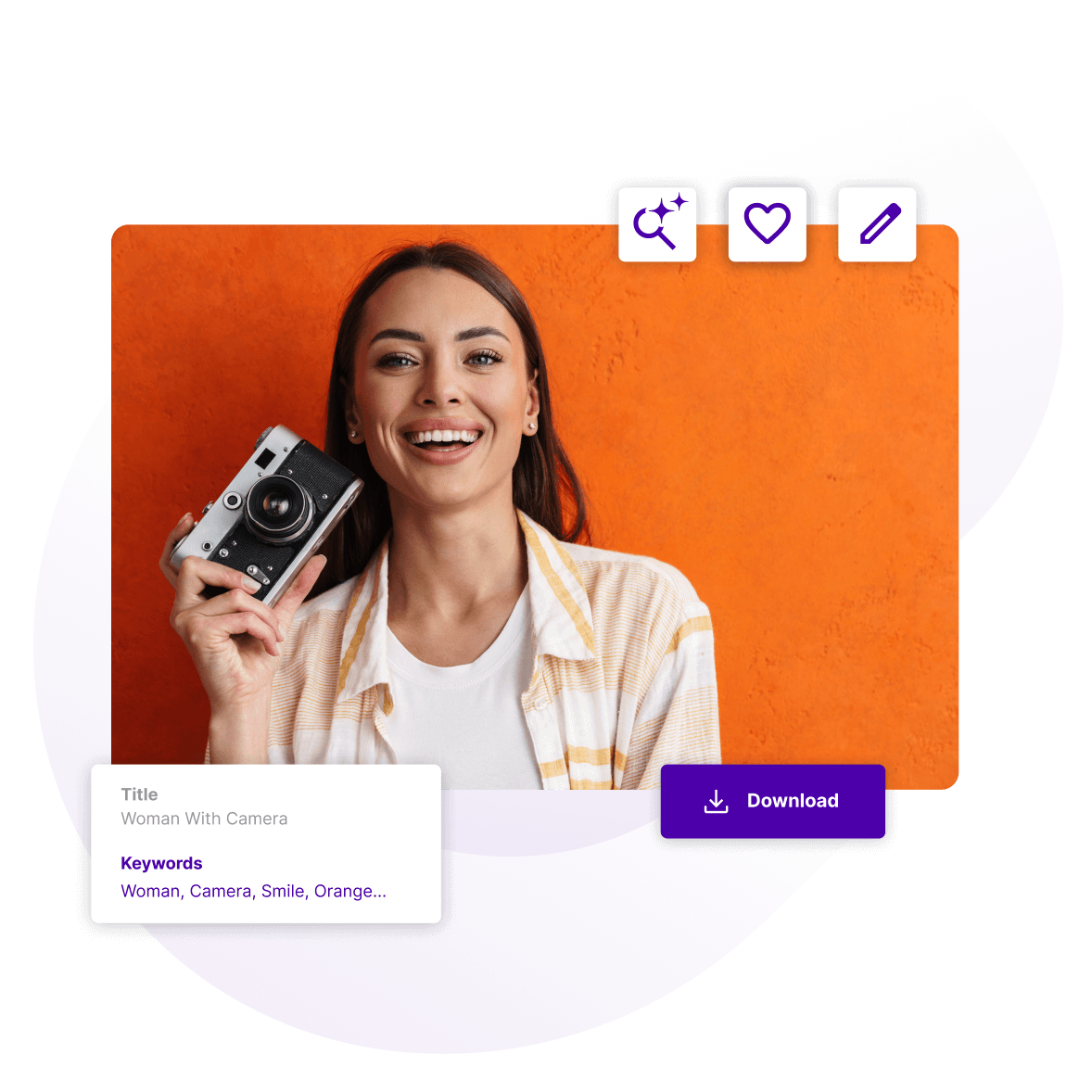
Our built-in AI features scan new images and automatically add smart tags, making search faster and more accurate.
Drag an image into Asset Bank and AI will surface higher-resolution originals or similar content.
Making it easy to refine search results by allowing users to filter on orientation, file type and even your own bespoke metadata.
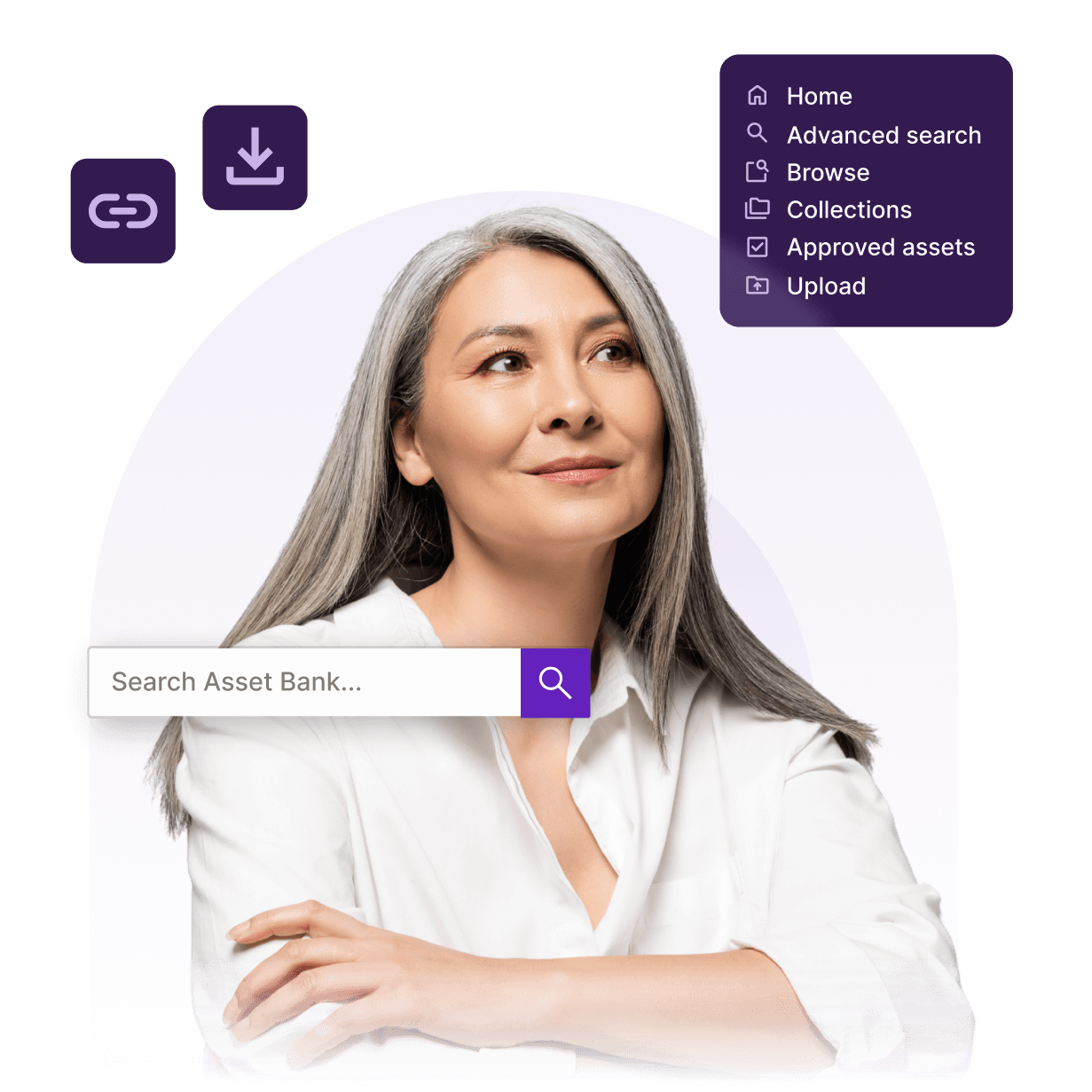
Asset Bank recommends suggested search terms as you type, especially useful for hard to spell names and products.
Lets users create search shortcuts, and get notified when new content that matches this is uploaded.
Asset Bank automatically scans the contents of files like Word, PDF and PowerPoint to match search terms with the text in these files.
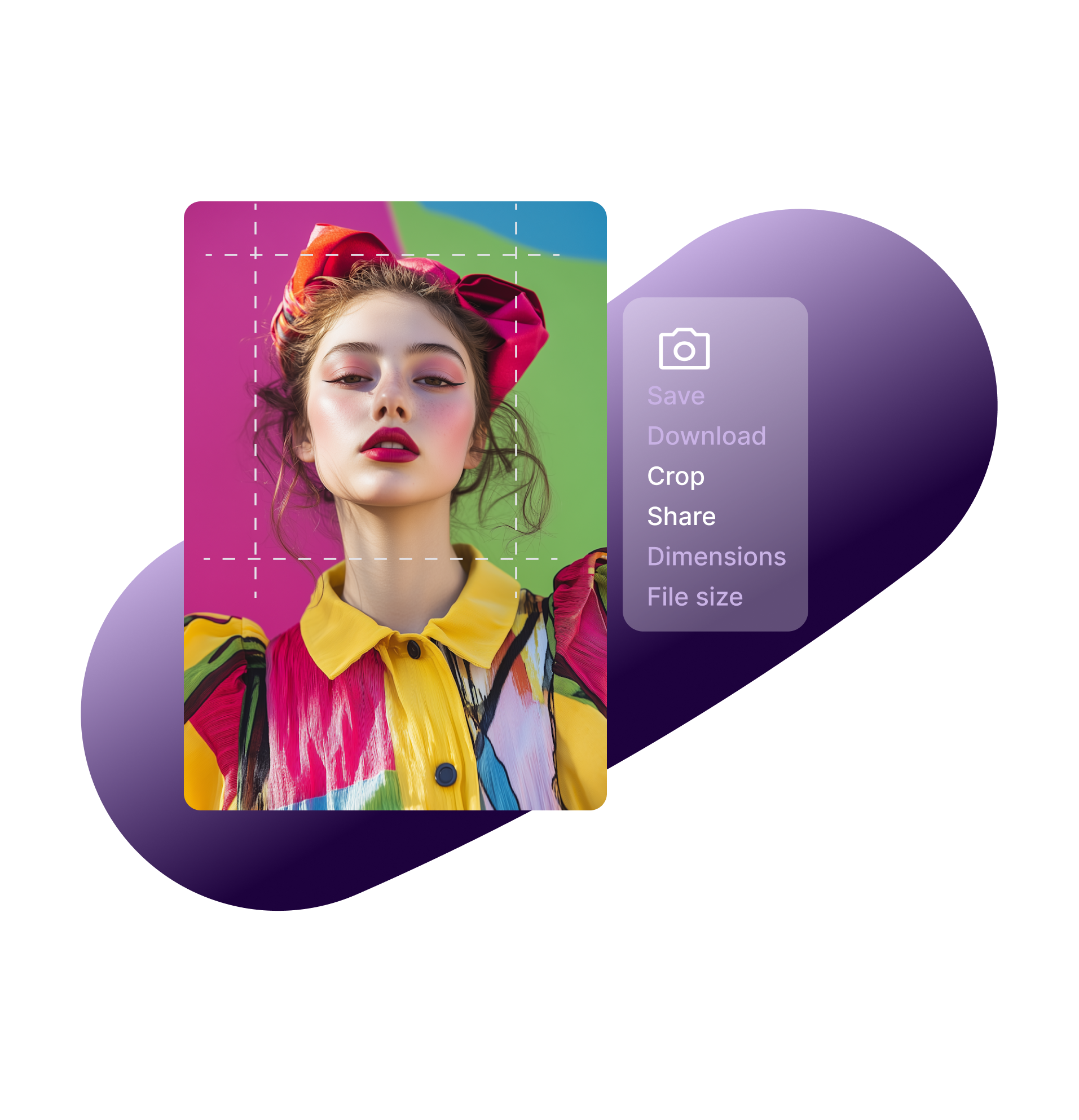
Crop or scale images to custom sizes and download them ready for use. A brilliant time saving feature for anyone who needs to get the file in the right dimensions for social channels or websites.
Send external partners and agencies files using quick share. Generate an email or copy the share link and forward it onto them.
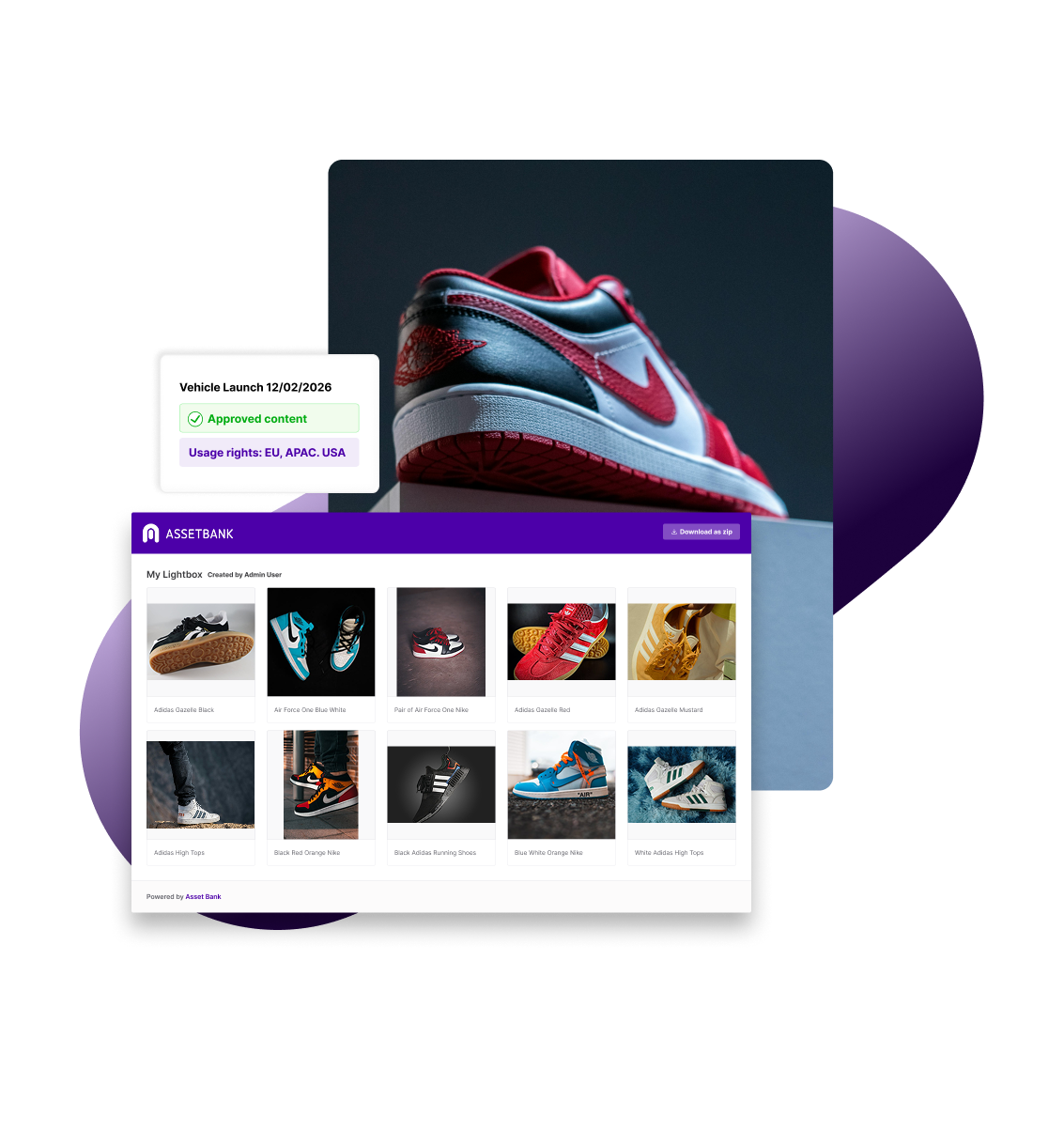
Create lightboxes/galleries of assets and share these with external partners. Optionally add a password and decide which sizes to make available.
Share assets at scale with external recipients. Decide which folders to make available and if access should be password protected or public. Then view reports and see which files are most popular.
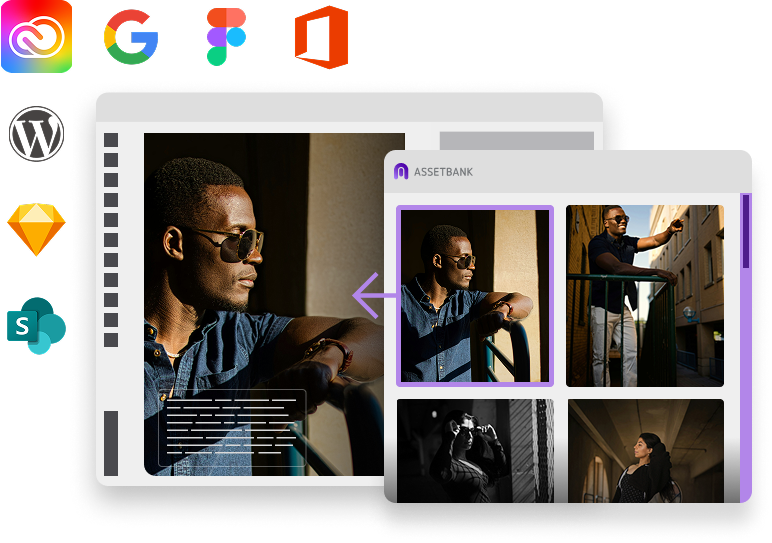
Quickly connect your Asset Bank with other systems so that users can access assets within these. Integrations include Adobe CC, Canva, Figma, Sketch, WordPress, Google Drive, Office 365 and more.
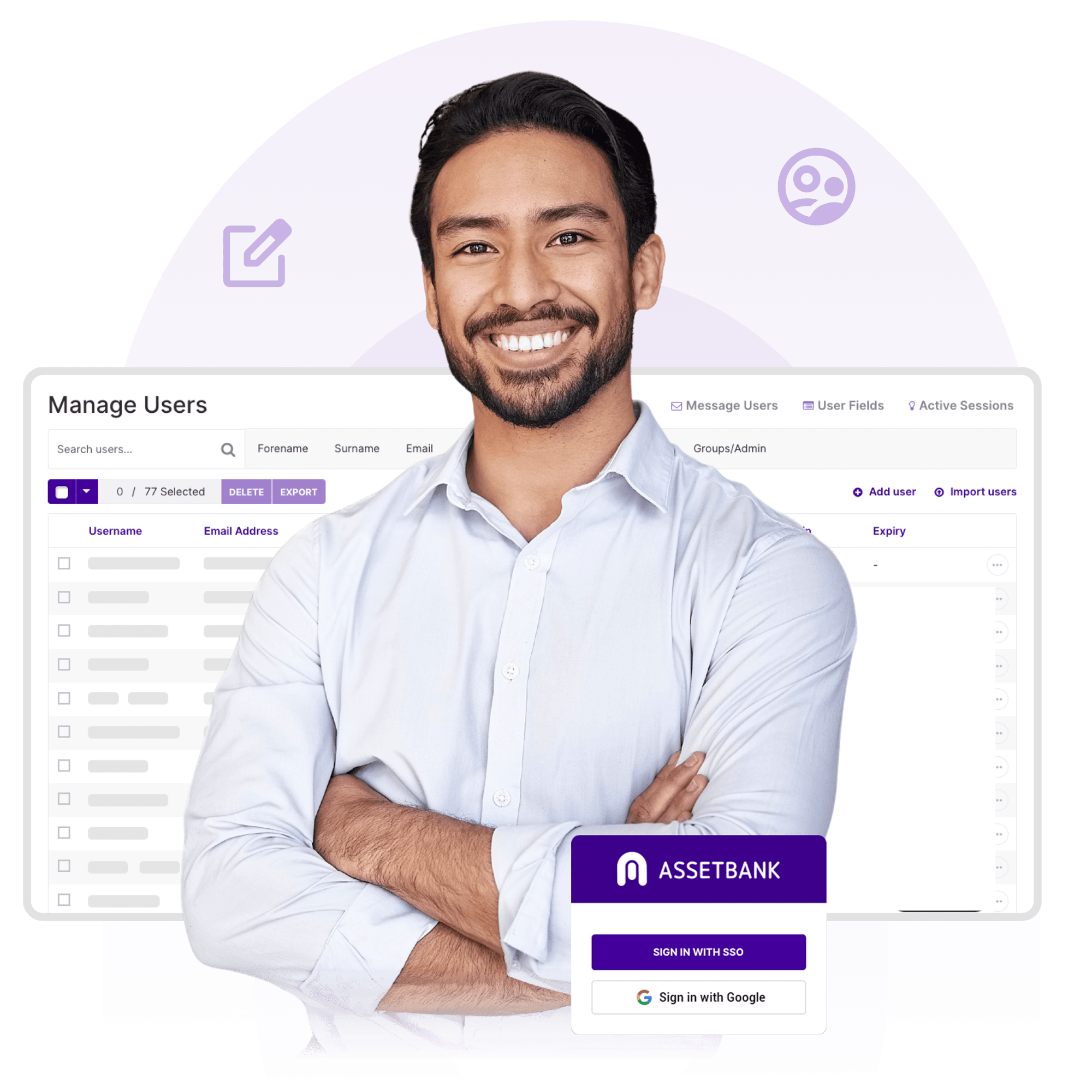
No need to remember yet another password – simplify your staff login process by using our single sign on feature. A one-click, simple step gets them logged in using their work email address.
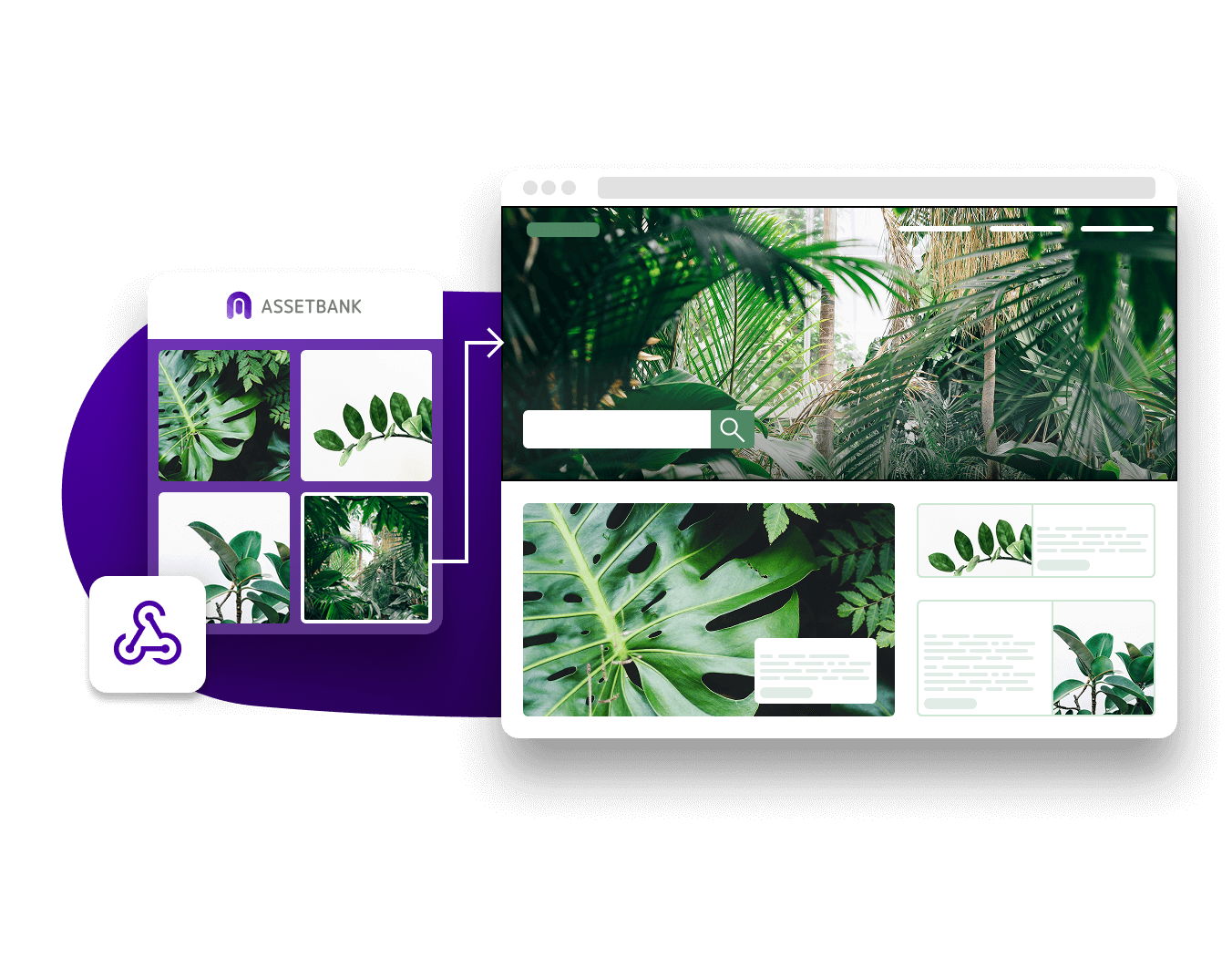
Get connected to the systems that matter. Our API feature allows external applications to connect to Asset Bank and achieve things including performing searches, retrieving assets, adding assets, adding metadata and more.