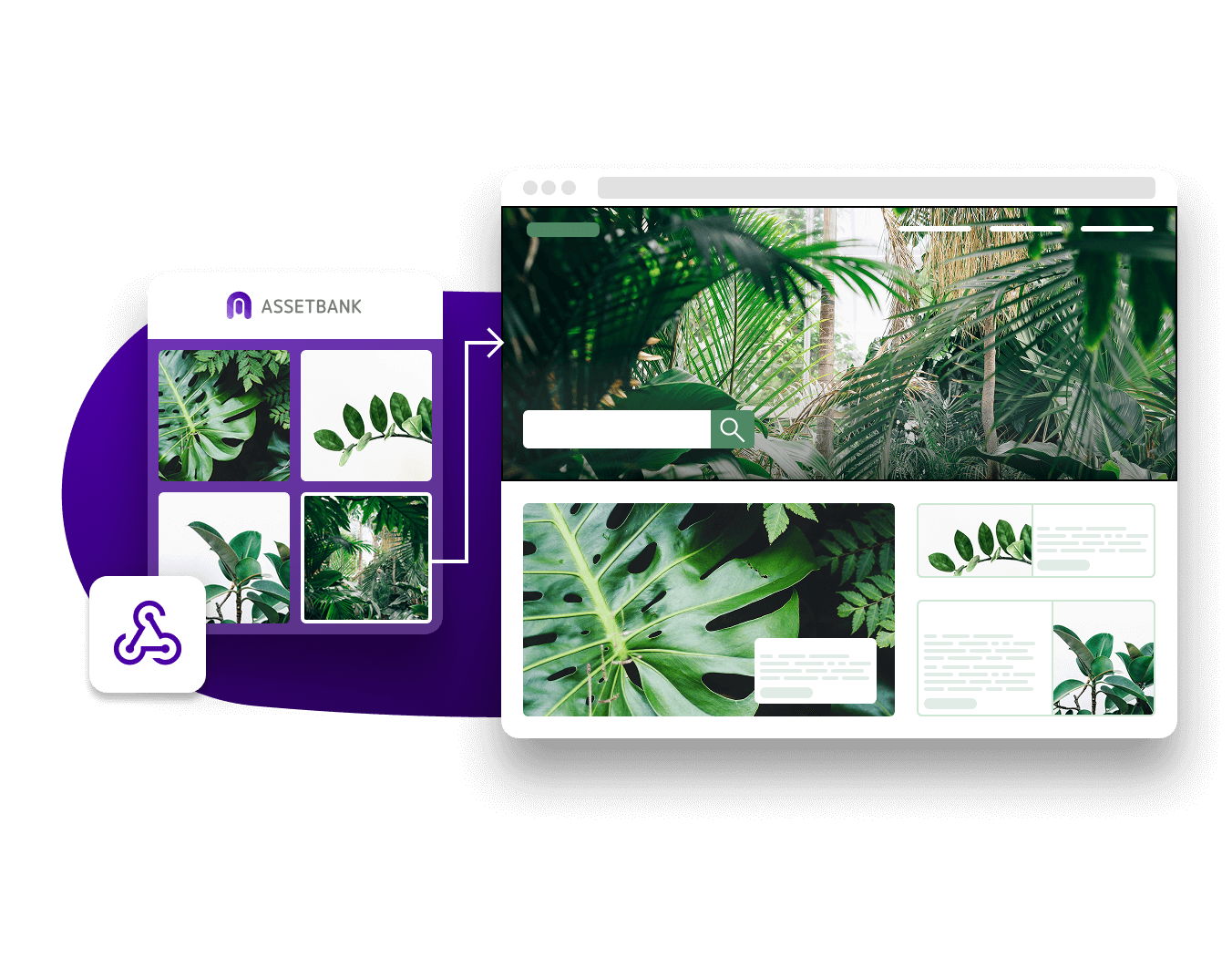
Integrate your DAM platform with other systems to make it even easier for users to find your assets.
Asset Bank's DAM already optimises your brand asset management; integrating it with your existing tech stack just takes this to the next level.
Browse our DAM integrations below.
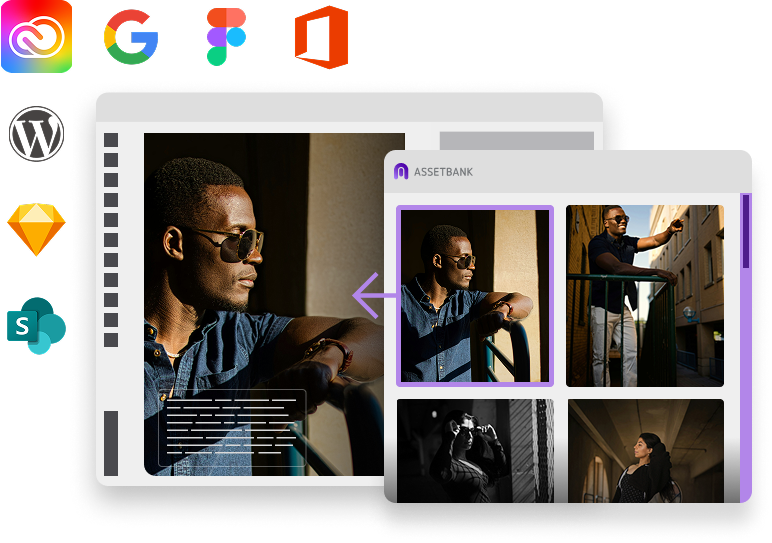

With our CI HUB connector your users will have direct access to the approved files in your Asset Bank without having to leave their Adobe Applications. No more switching between applications and wondering if you are still using the latest version of an image in your InDesign projects.

Tired of breaking your flow in Canva to hunt down files in Asset Bank, download them, then re-upload before you can even start? With our CI HUB connector, you can pull the assets you need straight into Canva! No switching tabs, no extra steps, just seamless creativity.

Connect your Microsoft Office applications – from PowerPoint to Word – using Asset Bank’s CI HUB connector. This integration lets you drop images from your Asset Bank directly into the document or presentation you’re working on.

Use the CI HUB connector to sync Asset Bank to your Google Workspace. That means you’ll be able to drop assets stored in your Asset Bank directly into your slides, docs and more.

With our CI HUB connector, you can link your Asset Bank to your WordPress sites to make it easy to utilise approved content without swapping between apps.

Asset Bank integrates with SharePoint through our CI HUB connector. This means you’re now able to send assets housed on your SharePoint straight over to your Asset Bank account where you can properly tag and organise them.

Don't let switching between apps interrupt your flow when you're in the zone. When you're working on designs in Figma, add in images from your Asset Bank using the CI HUB connector – without having to leave your Figma account.

Add graphics into your Sketch designs straight from your Asset Bank – without you having to go and download them first. Connect Asset Bank to Sketch through our CI HUB integration, and you'll be up and running in no time.

We offer a dedicated integration with Sitecore so your users can quickly find and publish your assets without ever having to leave the Sitecore interface. Your Asset Bank assets appear in the Sitecore media library which is automatically updated so users always have access to your latest content.

We offer a dedicated integration with Sitecore so your users can quickly find and publish your assets without ever having to leave the Sitecore interface. Your Asset Bank assets appear in the Sitecore media library which is automatically updated so users always have access to your latest content.

Ziflow is online proofing software for agencies and brands. It has all the features you need to manage your content review and approval process, so that you can deliver your marketing projects faster and reduce the possibility of costly mistakes. Features include collaboration, annotations, version comparisons and configurable workflows to truly streamline your creative process.

BrandStencil is a template platform where everyone connected with your organisation can instantly create on-brand, customised artwork that is ready for print straight from the browser. Integrating Asset Bank with BrandStencil protects the investment you've made in your brand and saves you time and money every day.

Integrate your Asset Bank with We Brand for easy access to branding and templating tools without the need for a designer. We Brand enables marketing campaigns to be executed and adjusted quickly helping your brand achieve more.

Provide your global users with a lightning fast browse and search experience, regardless of where they are located in the world. By adding Amazon's industry leading CloudFront CDN to your DAM platform, you can dramatically reduce the amount of time your users spend waiting to view and download assets.

The Asset Transformer module provides a simple yet powerful way for you to generate repurposed versions of images stored in your Asset Bank. Making use of a CDN (Content Delivery Network), this feature allows you to integrate Asset Bank directly with your product or eCommerce websites.

Asset Bank features a REST API that allows developers to connect with your Asset Bank instance. This allows you to add assets and metadata automatically, or search for and retrieve assets held within Asset Bank for use within other systems.

The Asset Bank CMS Integration Module has been designed to make it quick and easy to link Asset Bank with almost any content management system (CMS). It works by adding a button to the CMS interface that allows the user to access Asset Bank and select the relevant image for their web page or article.

This allows you to set up some match criteria in Asset Bank (e.g., all product images that are not marked as 'expired') and have different sized versions of these assets published to a location on a different server, ready for use by another system.