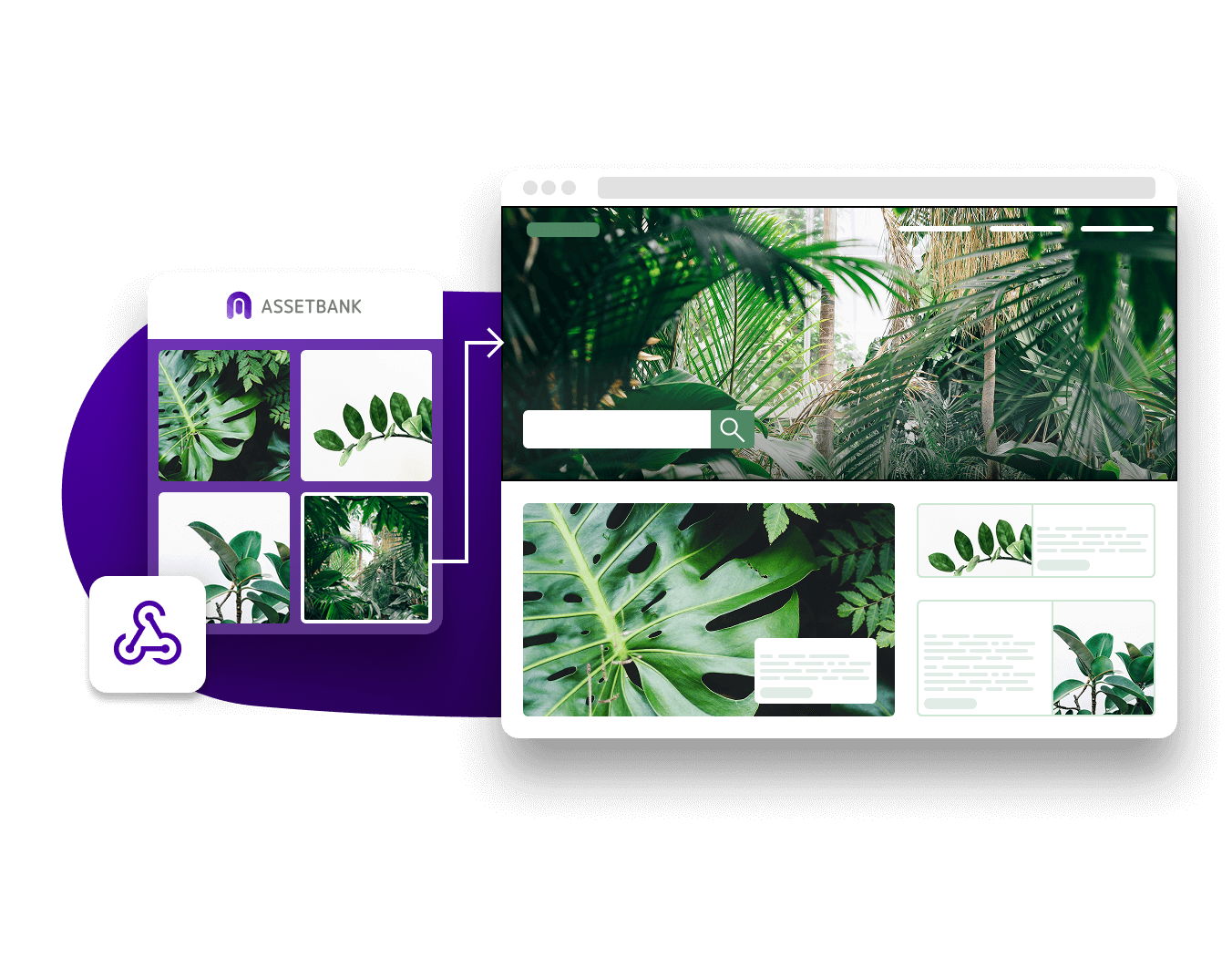
Integrate your Asset Bank with BrandStencil to instantly make marketing materials from templates using your DAM images.
With a seamless integration managing brand consistency has never been easier, with options to embed the templating tool inside your Asset Bank or use it as a separate platform.
Want to see how connecting BrandStencil to your DAM could help? Why not drop us a message, or have a quick, 15-minute call with one of the team?
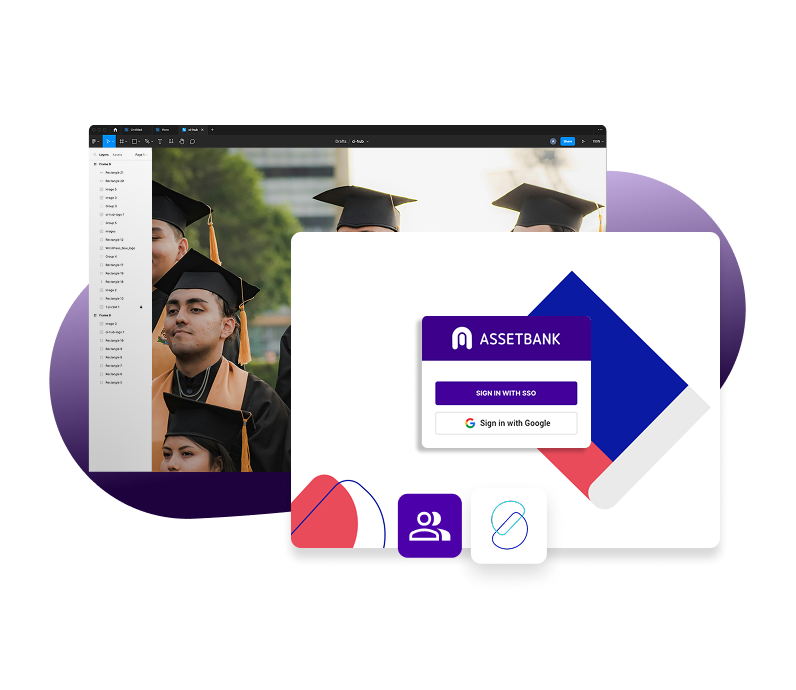
Create on-brand marketing materials instantly by pulling approved assets from Asset Bank into BrandStencil, so teams can focus on creating, not searching. Faster, simpler, and fully brand-controlled content creation!
Connector features include:
Seamless asset access – Pull approved images and files directly from Asset Bank into BrandStencil templates
Brand consistency built in – Only permission-based, approved assets can be used, ensuring every output stays on-brand
Template-driven design – Empower non-designers to create professional materials using locked, customisable templates
Curated asset control – Assign specific folders or assets to templates for guided, relevant content creation
Quick image editing – Easily crop and position images within templates for fast, polished results
Single source of truth – Keep all assets centrally managed in Asset Bank, avoiding duplication or outdated files
Improved compliance – Ensure only authorised, up-to-date assets are used across all materials
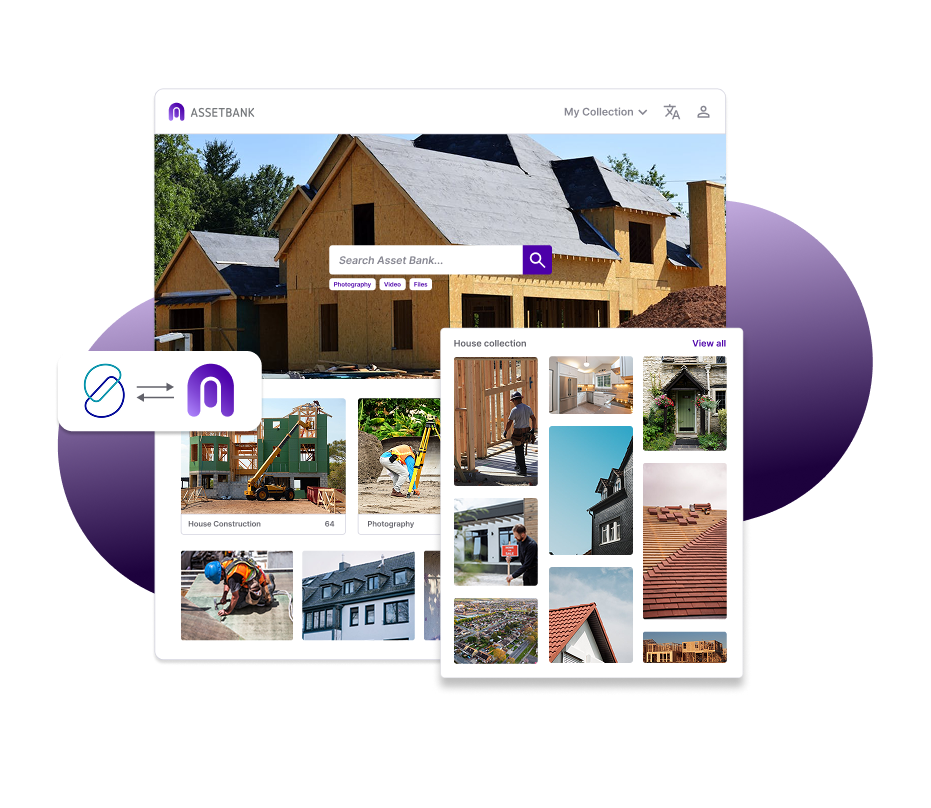
If you're interested in a BrandStencil integration, then please get in touch today and our customer support team can discuss your installation.
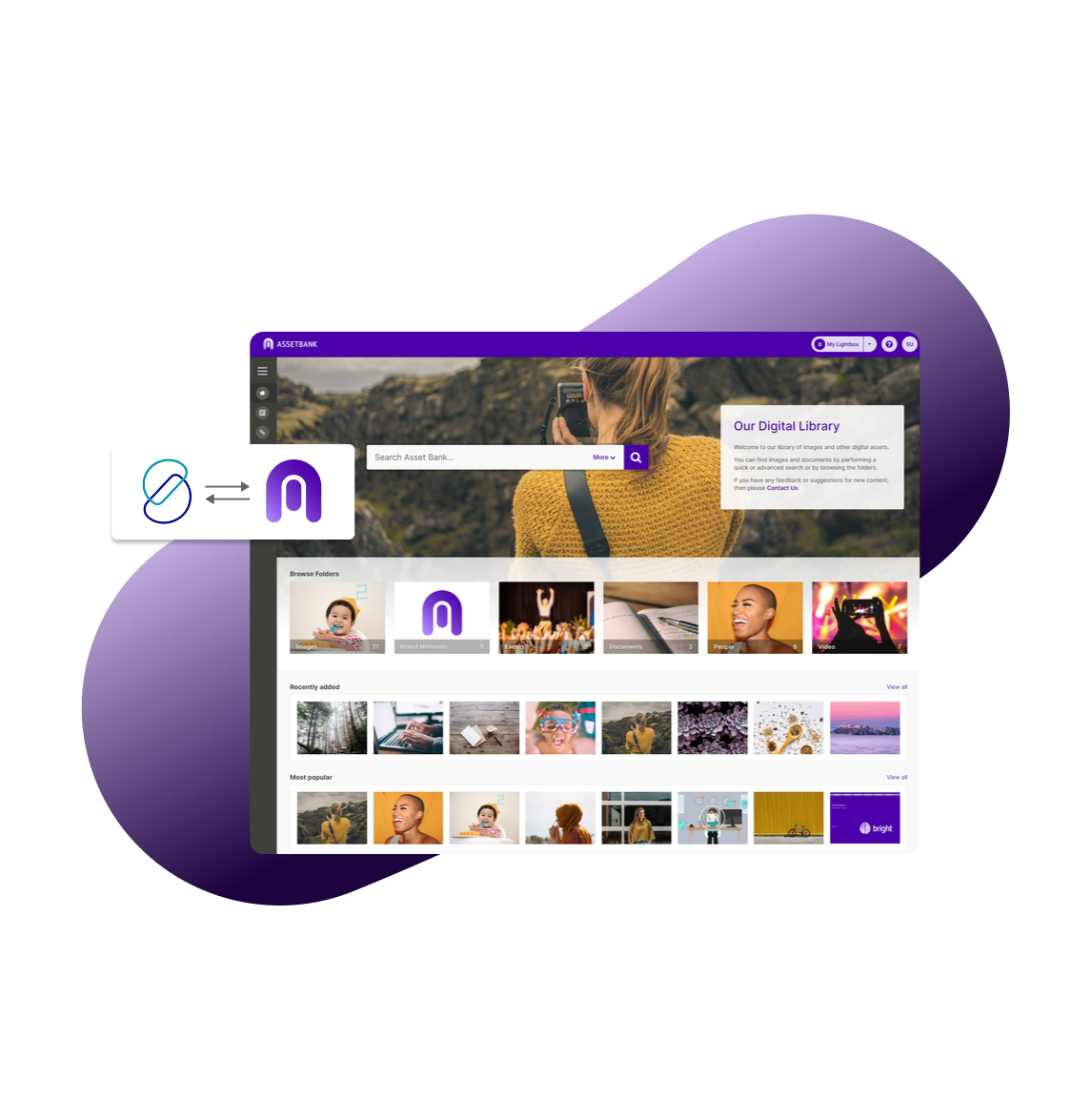
Powerful integrations to fit into your existing workflow
Let us fit in with you. From templating to content management systems our seamless integrations save you and your teams time.













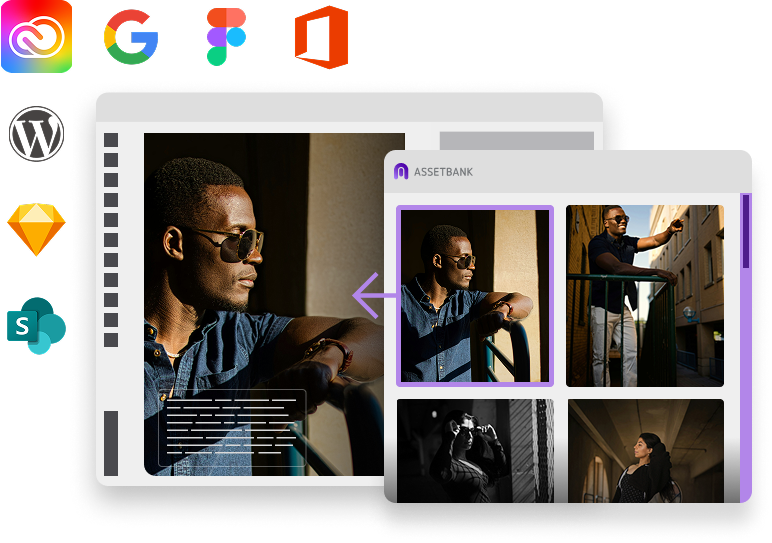
Ditch the downloads and access your assets directly from the tools you're working in, meaning no lost data, no duplicate file versions, and no lost time. (Your team will thank you!)