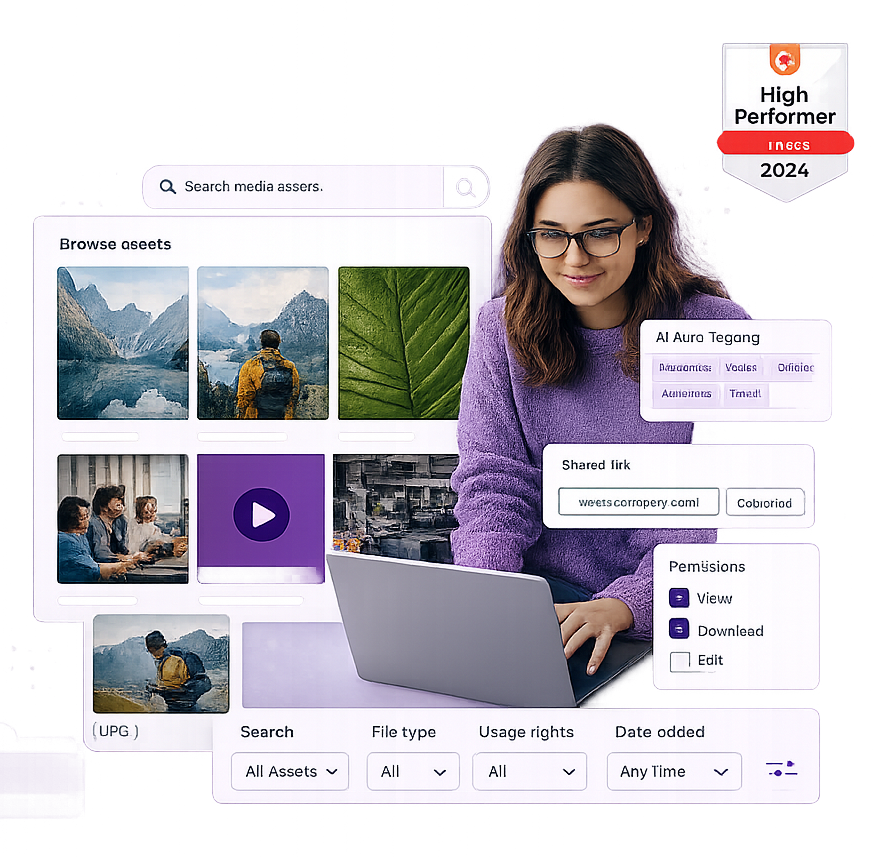
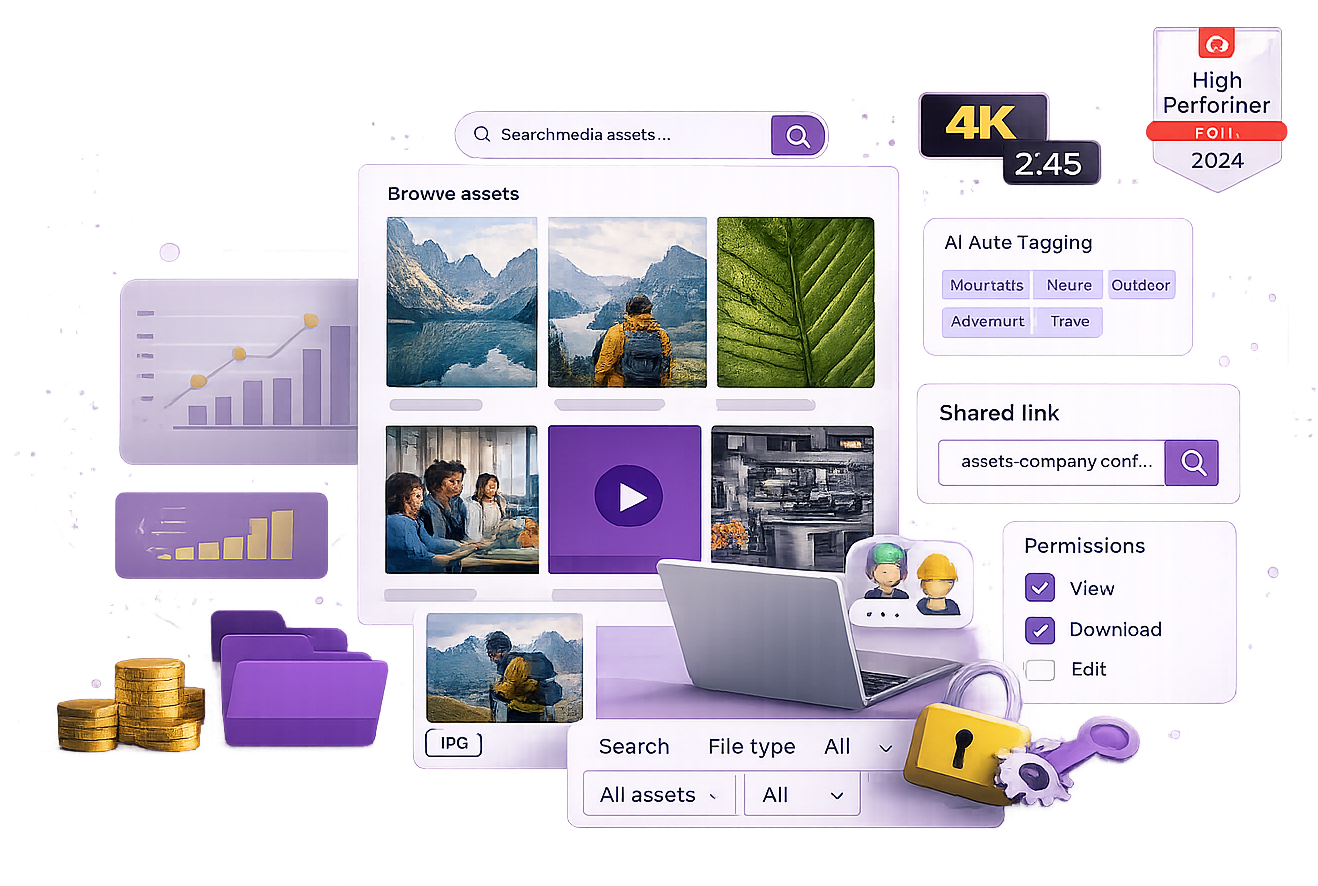
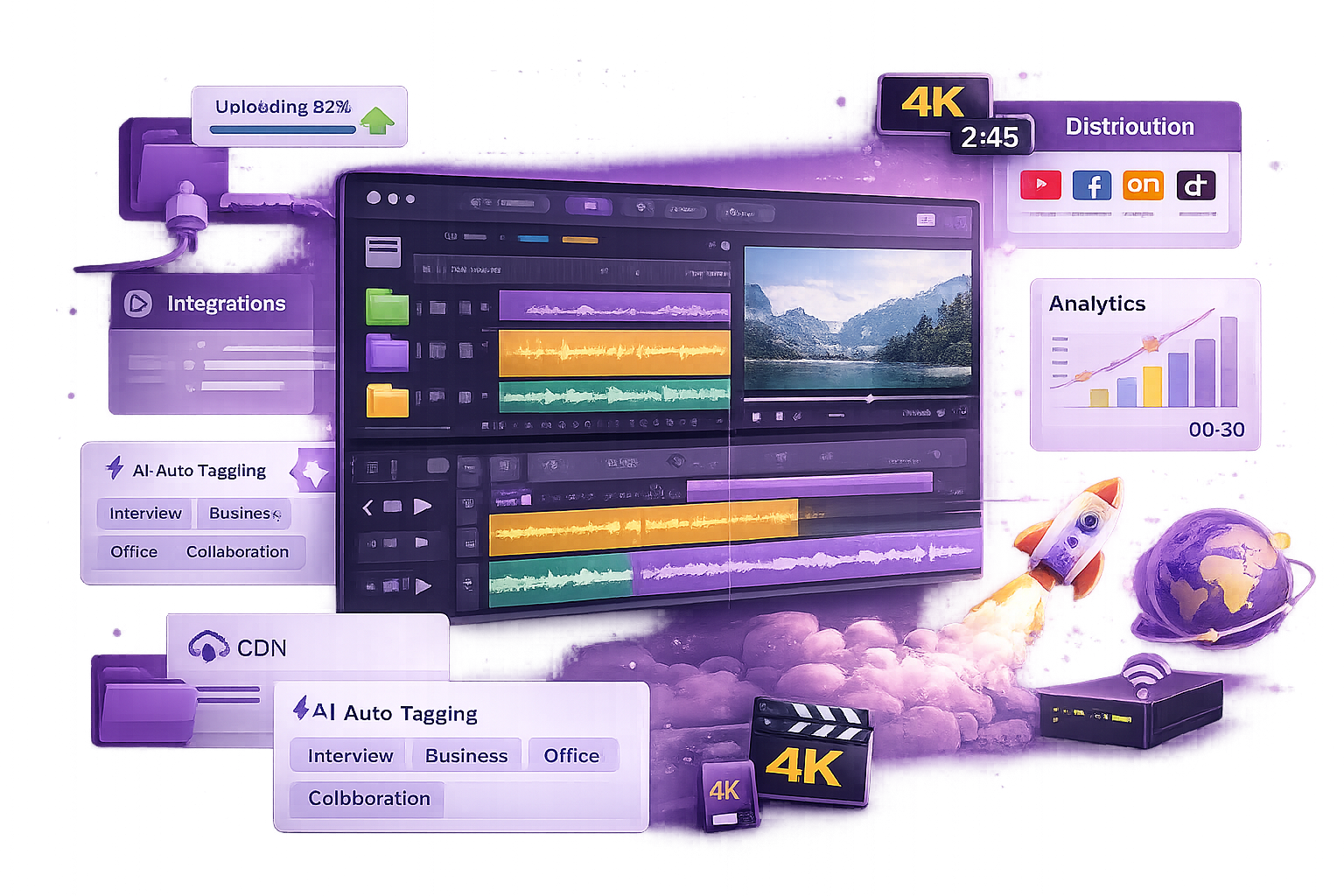


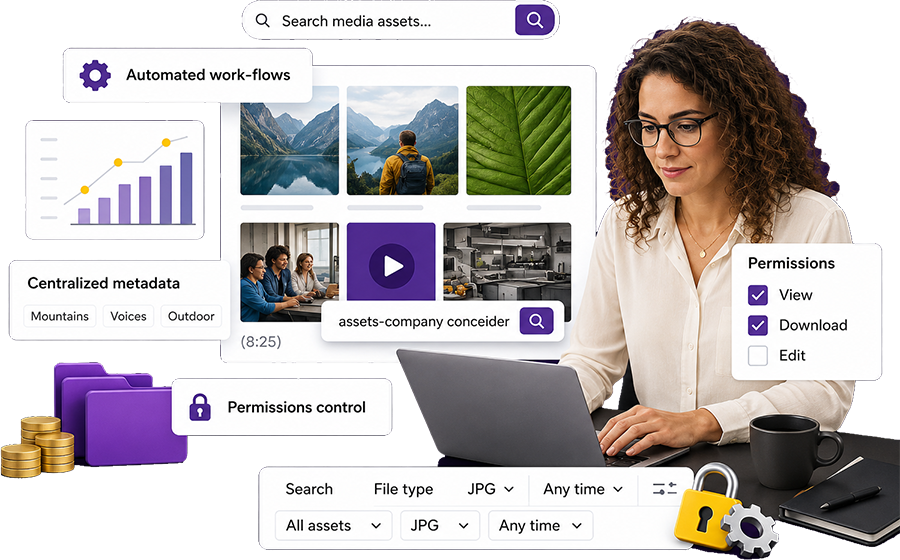
What is media asset management (MAM)?

Media Asset Management (MAM) is a specialised form of Digital Asset Management (DAM) designed specifically to store, organise, manage, and distribute rich media files - especially video, audio, broadcast, and time-based content.

While general-purpose DAM systems manage a wide range of digital assets such as images, documents, and PDFs, MAM platforms go deeper. They are built to handle the unique challenges of large-scale media workflows, including high-resolution formats, massive file sizes, complex editing processes, and collaborative production environments.

MAM Hero
Wht MAM exists

Why MAM exists

The explosion of video and audio content over the last decade has transformed how organisations communicate, educate, and engage with audiences. From Netflix originals to TikTok campaigns, multimedia has become central to brand identity, marketing, and operations. But managing these assets at scale is difficult:

    • File sizes are huge : a single hour of uncompressed 4K video can exceed 300GB.
    • Formats are complex : media workflows often require multiple versions for broadcast, social, and OTT platforms.
    • Collaboration spans teams : editors, producers, marketers, and external agencies all need access at different stages.
    • Rights and compliance matter : licensing windows, territory restrictions, and copyright usage must be tracked meticulously.

This is where MAM systems excel: they centralise every file, streamline production workflows, and make assets instantly searchable and shareable.

How MAM differs from traditional file storage

At its core, MAM isn’t just a glorified cloud drive. Unlike simple storage systems like Google Drive or Dropbox, which rely on manual naming and folder organisation, MAM uses structured metadata, AI-powered search, and proxy editing workflows to manage hundreds of thousands of assets without chaos.

For example:

A broadcaster archiving 20 years of sports footage can instantly retrieve every goal scored by a specific player using timecode-linked metadata.
A university managing lecture recordings can auto-generate searchable transcripts using AI speech-to-text tools.
A marketing agency creating multichannel ad campaigns can edit lightweight proxies while maintaining the integrity of master files stored securely in the cloud.

This level of intelligence and automation is what sets MAM apart from basic storage solutions and even many traditional DAM systems.

The MAM lifecycle: from ingestion to archive

MAM systems manage assets across their entire lifecycle. Typically, this includes:

1. Ingestion
Importing video, audio, and supporting files into the system, often with automated metadata extraction.
2. Organisation & Metadata Management
Tagging, indexing, and cataloguing assets using AI-driven analysis to make them instantly searchable. 
3. Collaboration & Editing
Integrations with tools like Adobe Premiere Pro, Avid, and Final Cut allow editors to work directly within the MAM. 
4. Review & Approval Workflows

Streamlined processes for producers, clients, and stakeholders to comment, approve, or request changes. 

5. Distribution & Syndication

Transcoding files into multiple formats and publishing across channels, from social platforms to OTT apps. 

6. Archiving & Preservation

Automating the storage of final masters while maintaining instant access through lightweight proxies. 

This end-to-end lifecycle management is what makes MAM an operational backbone for media-heavy organisations.

Built for video-first workflows

MAM systems are built to handle video-first workflows, supporting editors, producers, marketers, and broadcasters who need seamless access to huge, high-value media libraries.

For example, imagine a global streaming platform managing:

    • Hundreds of terabytes of 4K originals
    • Regional variations of the same asset
    • Subtitles, closed captions, and metadata in multiple languages
    • Strict licensing rules across territories

Without MAM, this level of complexity would be unmanageable. With it, teams can automate workflows, speed up production cycles, and confidently control how assets are stored, used, and distributed.

Buillt for video

The rising importance of MAM

The surge in remote collaboration since 2020 has only amplified the need for robust media workflows. As creative teams, editors, and stakeholders increasingly work across geographies, MAM systems provide:

Cloud Native

Cloud-native access to massive media archives from anywhere.

Proxy Based

Proxy-based collaboration for real-time editing, even on slow connections.

Integrated Rghts

Integrated rights management to keep licensing and compliance under control.

From broadcasters and film studios to corporates, universities, and nonprofits, MAM has evolved from a niche broadcast tool into a critical enterprise capability.

Why MAM matters

Modern organisations produce more video and audio content than ever before. From livestreams and training videos to advertising campaigns and documentaries, the challenge isn’t creating media, it’s managing it at scale.

MAM systems solve this by providing:

    • Advanced workflow management – proxies, transcoding, and edit integrations.
    • Centralised metadata control – with AI-assisted tagging and time-based indexing.
    • Frictionless collaboration – across teams, regions, and third-party vendors.
    • Secure, compliant storage – with audit trails, access controls, and version tracking.
    • Scalable architectures – designed to grow alongside ever-expanding media archives.
Wht MAM Matters v2

Benefits of media asset management

The value of a MAM system goes beyond storage. It’s about workflow acceleration, creative enablement, and content optimisation.

900x600 Image Holder
120x120 Image Holder
Faster, more efficient workflows

Instead of passing large 4K files back and forth, MAM uses proxy editing, allowing teams to work on lightweight versions while originals remain untouched. Final edits automatically update to full resolution.

120x120 Image Holder
Smarter search and discovery

Detailed metadata tagging, often enhanced by AI and machine learning, makes finding specific clips or scenes lightning fast. Speech-to-text transcription, facial recognition, and scene detection go even further.

120x120 Image Holder
Centralised version control

Avoid the chaos of duplicate files, conflicting versions, and lost edits. MAM maintains a single source of truth, tracking every change and ensuring everyone works from the same asset.

120x120 Image Holder
Streamlined compliance

For media rights, licensing, and regulations, MAM helps maintain audit trails, control access, and automatically flag expired usage rights.

120x120 Image Holder
Scalable media archives

Hybrid cloud storage allows organisations to manage petabytes of data efficiently, balancing cost and performance.

MAM vs DAM vs BAM

What’s the difference?

Because terminology overlaps, let’s break it down clearly:


System Primary focus Best for Key features
MAM Video, audio, broadcast media Media companies, production houses, streaming platforms, marketing agencies Proxy workflows, timecode metadata, transcoding, editing integrations
DAM Broader digital content Marketing, sales, product, and comms teams Manage images, docs, PDFs, presentations, and lightweight video
BAM Brand governance Brand, creative, and design teams Logos, templates, approval workflows, usage control, localisation


Key distinctions

  • MAM is a subset of DAM, specialised for rich media workflows.
  • DAM handles mixed digital assets but may lack tools for advanced video editing, proxies, or high-res media workflows.
  • BAM focuses on brand consistency, managing approved logos, templates, and guidelines.
  • Increasingly, platforms blend DAM and BAM features for unified governance.

Who should use a MAM system?

MAM systems are no longer just for broadcasters. Any organisation producing significant volumes of video or audio can benefit.

Industries that rely on MAM

check-1
Media & entertainment

Studios, broadcasters, and streaming services managing terabytes of footage.

check-1
Marketing & creative agencies

Producing ads, campaigns, and client content. 

check-1
Corporate communications

Internal comms, training videos, product launches. 

check-1
Education & research

Universities and research labs archiving lectures and fieldwork. 

check-1
Nonprofits & government

Managing public campaigns and open-access archives.

Signs you need a MAM

check-1

You handle large, complex video/audio files regularly.

check-1

Teams across locations need real-time access to shared content.

check-1

You waste hours searching for clips or versions.

check-1

You struggle with storage costs and duplication.

check-1

You require secure, compliant workflows for licensing and rights.

What features should you look for in a MAM solution

A robust MAM system should cover end-to-end workflows:

Metadata & search
  • Timecode tagging for scene-level precision.
  • AI-powered transcription, facial recognition, and auto-tagging.
Proxy workflows
  • Work with low-res versions while protecting original masters.
  • Enable seamless collaboration across bandwidth-constrained teams.
Editing & integration
  • Direct integrations with Adobe Premiere Pro, Final Cut Pro, and Avid.
  • Simplify content approval cycles.
Multi-format transcoding
  • Automate exports optimised for different platforms—social, OTT, TV.
Access & rights management
  • Role-based permissions, watermarking, and usage reporting.
  • Licence expiry alerts to maintain compliance.
Scalable storage
  • Hybrid or cloud-first options to manage costs at scale.
  • Archive automation for long-term preservation.
AI-powered enhancements
  • Automated highlight reels.
  • Predictive analytics for content usage.
  • Intelligent search and retrieval.

How to choose the right media asset management (MAM) platform

Investing in a Media Asset Management system is a strategic decision that impacts how your teams create, collaborate, and deliver content. The right MAM platform can accelerate production workflows, unlock hidden value in your existing archives, and future-proof your media operations. The wrong one can add complexity, create silos, and stall adoption.

To make the right choice, you need a structured approach that goes beyond comparing feature checklists. Here’s a step-by-step framework for evaluating MAM vendors and selecting the platform that truly fits your organisation’s needs.

Step 1. Map your workflows in detail

Before talking to vendors, you must understand your current media workflows end-to-end. A MAM system should support the way you work today while improving efficiency and enabling future growth.

Ask yourself:

  • How do we ingest assets today? Are files uploaded manually or via automated pipelines?
  • What’s the process for cataloguing and tagging assets? Are metadata standards enforced?
  • How do editors and producers currently access and collaborate on files?
  • What happens after production? How are files approved, distributed, and archived?
900x600 Image Holder

Step 2. Assess integrations carefully

A MAM platform rarely operates in isolation. It must integrate seamlessly with the tools your teams already use, such as:

  • Editing suites: Adobe Premiere Pro, Final Cut Pro, Avid Media Composer.
  • Creative pipelines: After Effects, DaVinci Resolve, Cinema 4D.
  • Content distribution systems: CMSs, OTT platforms, and social scheduling tools.
  • Other asset systems: DAM for images/docs, BAM for brand governance, and PIM for product-related content.

The best MAM platforms offer flexible integration options to avoid workflow bottlenecks.

Step 3. Plan for growth and scalability

Your content library is not static, it’s growing exponentially. The MAM platform you choose must handle today’s demands and tomorrow’s scale without costly re-platforming.

Key considerations:

  • Storage scalability: Does the MAM support petabyte-scale archives and hybrid cloud/on-prem deployments?
  • Global collaboration: Can teams across different regions and time zones work on proxies without latency?
  • Performance optimisation: Does the system maintain speed and stability as content volumes surge?
900x600 Image Holder

Step 4. Prioritise ease of use and adoption

A powerful MAM system is useless if your teams don’t adopt it. An intuitive interface, clear onboarding, and role-specific dashboards make adoption frictionless.

Look for:

  • Drag-and-drop ingest and simple metadata tagging.
  • Customisable dashboards for different teams (e.g., editors vs marketers).
  • AI-assisted automation to reduce manual work.
  • Training resources like video tutorials and knowledge bases.


Step 5. Review support, SLAs, and roadmap alignment

Implementing MAM is not a one-off project, it’s an evolving capability. Strong vendor support and alignment on future innovation are critical.

Evaluate:

  • Onboarding and training: Does the vendor offer guided migration and role-specific training?
  • Support SLAs: Are response times guaranteed, especially for enterprise clients?
  • Roadmap visibility: Are upcoming features aligned with your long-term strategy?
  • Community and ecosystem: Is there an active user community, API documentation, and third-party development support?
900x600 Image Holder

Step 6. Evaluate total cost of ownership (TCO)

Cost goes beyond licensing. Factor in:

  • Implementation and onboarding fees
  • Cloud storage and data egress costs
  • Custom integrations or API usage
  • Training, support, and ongoing optimisation

Sometimes a cheaper MAM platform incurs hidden costs if it lacks scalability or requires heavy customisation.


Step 7. Align with business outcomes

Finally, choose a platform that doesn’t just “manage files”, it should drive measurable business value:

  • Time savings: Faster ingest, search, and retrieval.
  • Content ROI: Maximise reuse across multiple channels.
  • Compliance: Avoid fines or lost rights.
  • Collaboration efficiency: Reduce silos and duplication.
900x600 Image Holder

Frequently asked questions

What’s the difference between DAM and MAM?

MAM focuses on video/audio-heavy workflows, while DAM supports a broader asset range but lacks advanced video handling tools.

.

Why use a MAM instead of a DAM?

If your organisation is video-first, MAM provides proxy workflows, deep metadata, and editing integrations DAMs typically lack.

Can a DAM manage video assets?

Yes, but for basic storage only. If you need collaboration, transcoding, and timecode-level metadata, choose MAM instead.

Is MAM only for broadcasters?

No. Any organisation producing large volumes of video/audio can benefit, including corporates, universities, agencies, and nonprofits.

How much does MAM cost?

Pricing varies by storage, integrations, and features. Cloud-first MAM platforms start in the low four figures annually.

Can MAM integrate with DAM or BAM?

Yes. Many enterprises use DAM for mixed assets, BAM for brand governance, and MAM for rich media workflows.

400x400 Image Holder

Final thoughts

As video, audio, and interactive media dominate the content landscape, Media Asset Management is no longer optional. MAM platforms aren’t just storage—they’re the workflow engine behind modern media production.

Next step: Explore how Asset Bank helps organisations manage, distribute, and maximise their media libraries at scale.