
Manage and protect your digital assets




Flexible permissions
Get the right content in front of the right people. Create multiple user groups and decide what they can see and do, including view, download, and upload permission.
Approval workflows
Allowing you to add in extra approval steps for upload, download or edits, for different user groups. Asset Bank's approval workflow feature gives you more control.
Embargo, expiry dates
Control when assets become visible or expire. AI-assisted reminders help you stay compliant.
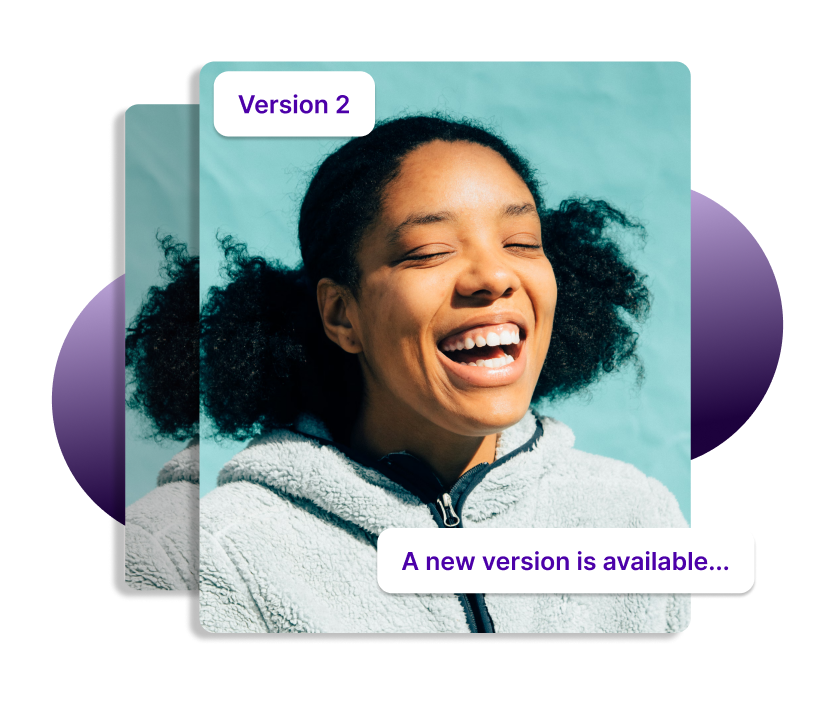
New version alerts
When a new version of an asset is uploaded to replace an old one, Asset Bank will notify users who recently downloaded the now out of date asset, ensuring they only use the latest content.
Organisational units
If your business has global or regional teams then you can create a separate part of the site that each can manage. Letting them look after their own assets and users.
Consent forms
If you worry about consent forms, it's time to stop - we've got you covered. Simply link consent forms to photographs of people within Asset Bank, set expiry dates and create alerts to remind you to review.
Rights management
Wherever your digital assets originate from, stock imagery or photo shoot, there'll be some kind of ownership or licence to consider. You can easily keep track and communicate any licence information or restrictions to your users.
Reporting and audit trails
Really get to grips with how your DAM is being used, who is engaging with it and if there are any areas that need improvement. View user and group engagement on the admin dashboard, seeing what search terms people are using and which assets are most popular.